All Features, in Detail
Explore the tools that make SOMS the preferred choice for signage professionals. Each feature is crafted to streamline your workflow.
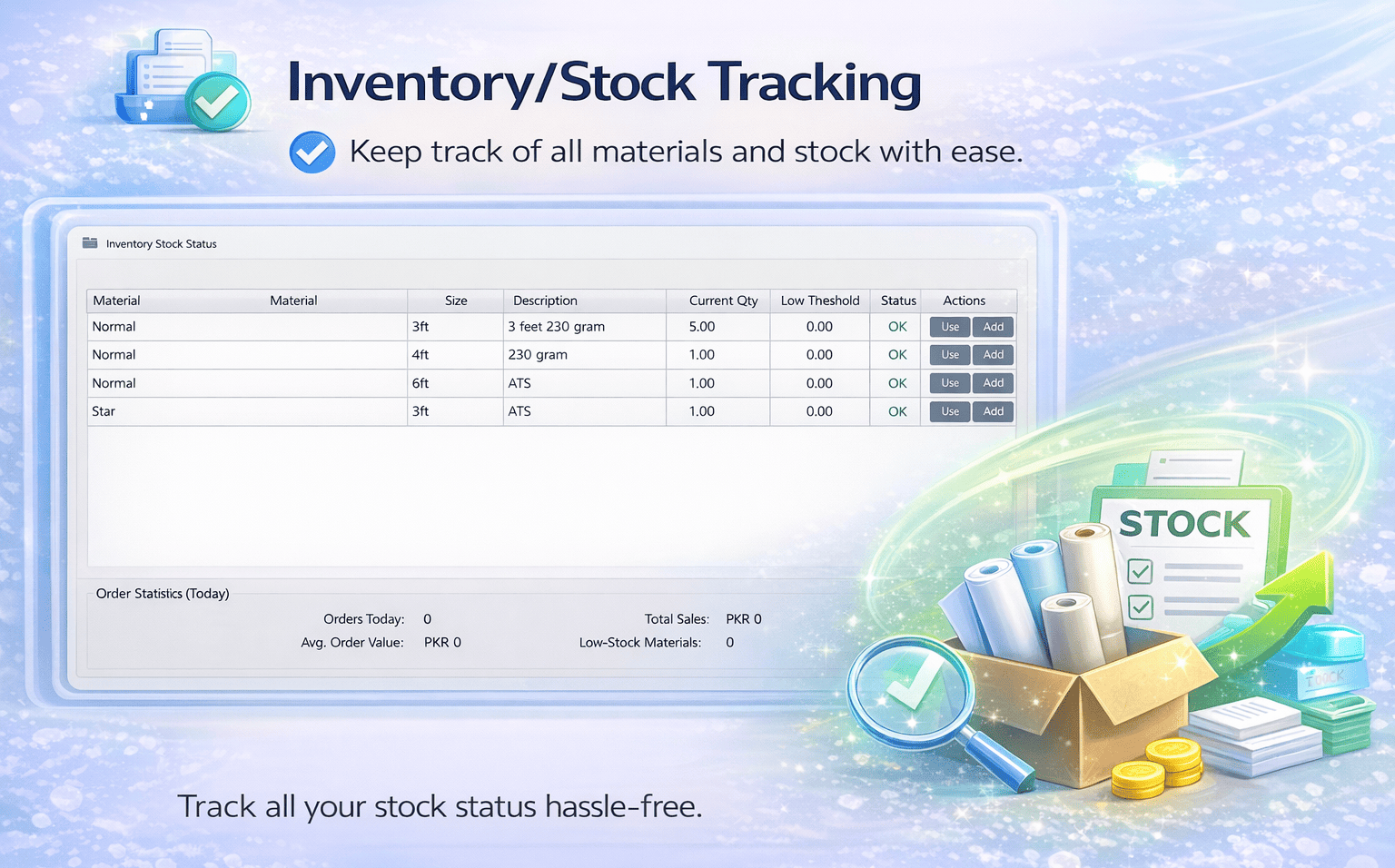
Say Goodbye to Manual Calculations
SOMS makes calculations effortless with one click, instantly showing totals and balances. Add items with dimensions, quantity, and rate, include extras like Shine Card, and view a live payment summary.
- Cusotmer Information (name, phone, address)
- Order Items Table (current items)
- Payment Summary (Previous Balance, Discount, Subtotal, Balance)
- Built‑in calculator (eg. 2+3/4)
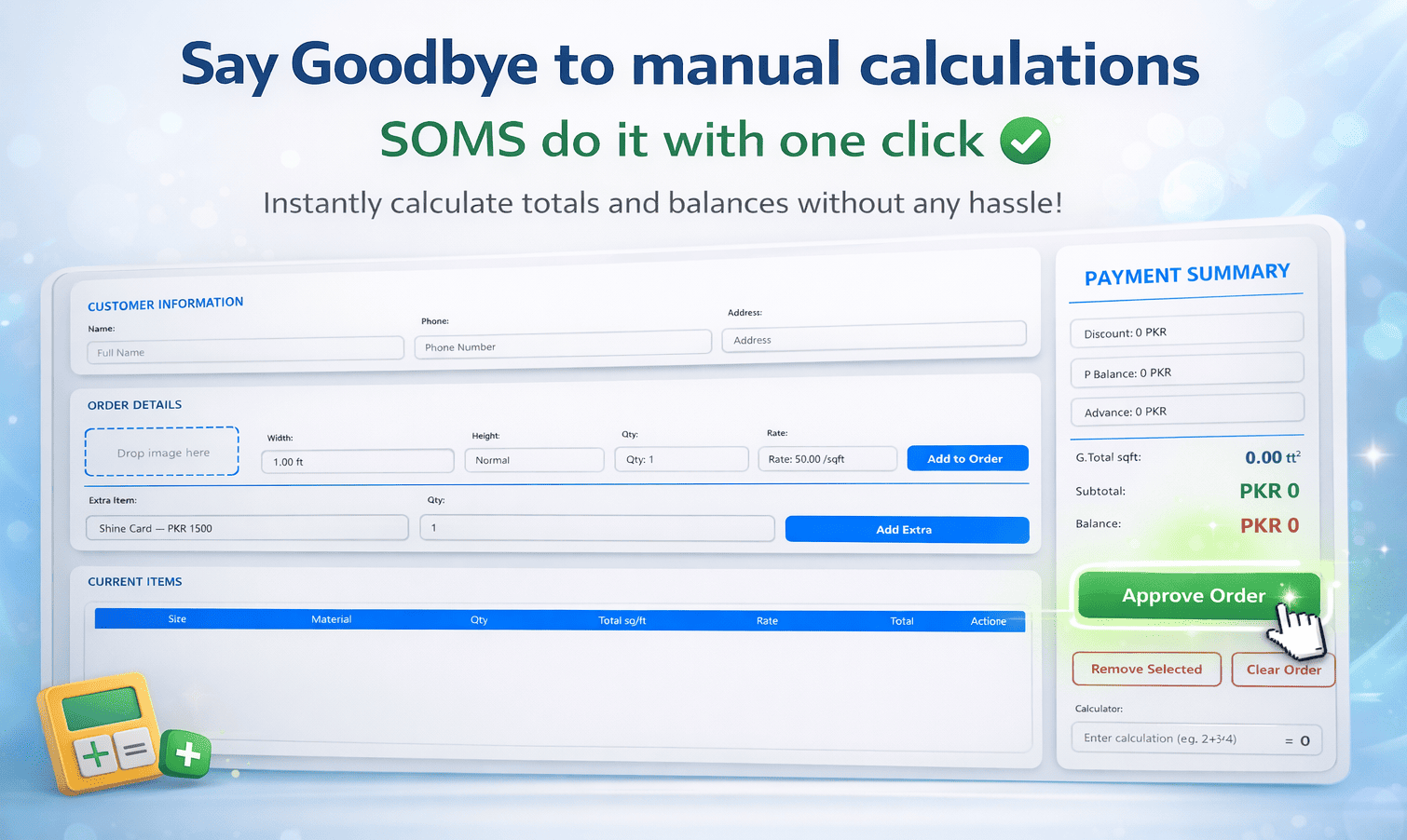
See and track all your orders easily
View all approved orders in the Order History, with convenient actions such as print, share, save, and delete. Quickly locate specific orders using advanced search and filtering options. Easily filter by date range (Today or custom from/to), customer name, and status, and export your data to Excel for further use.
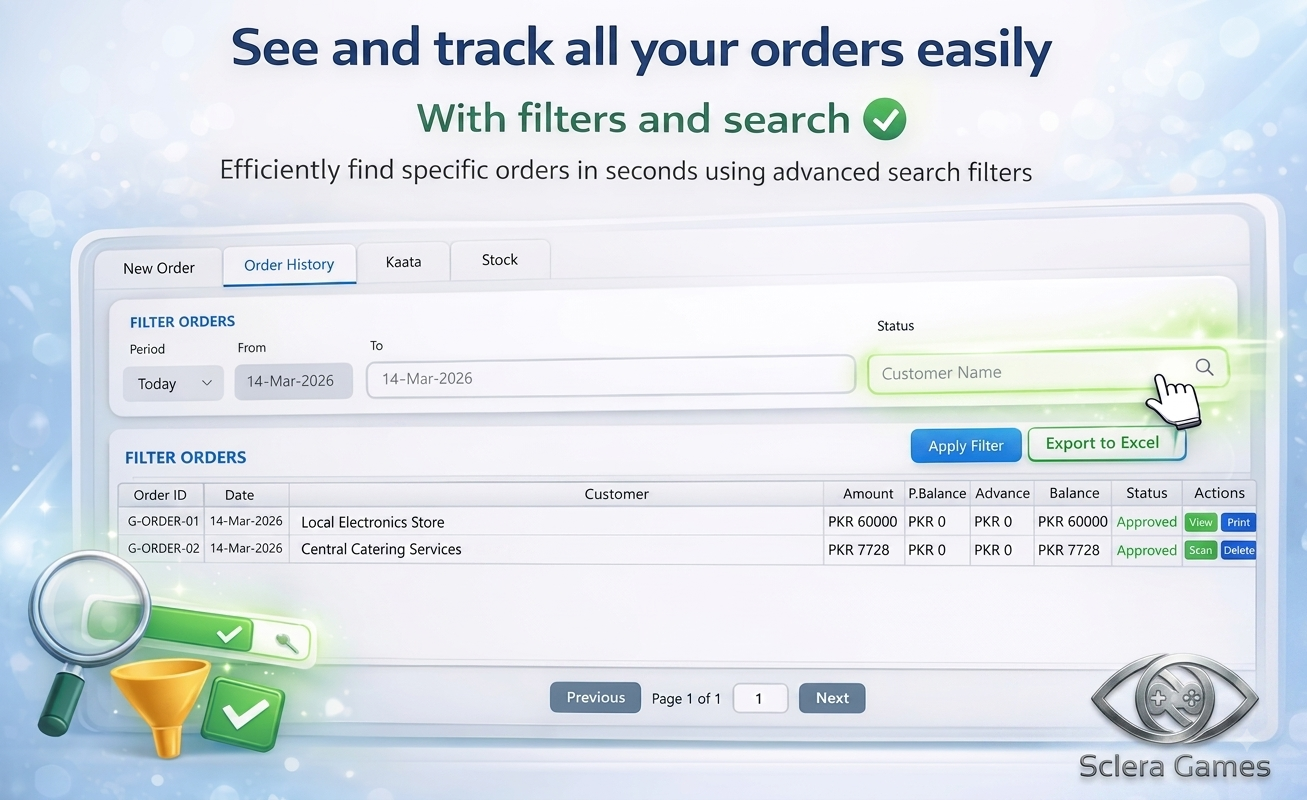
Full Ledger (Kaata) with Auto Payment
Automatically starts a kaata to the customer and tracks overall balance. Manage and deduct payments efficiently while keeping track of all balances.
- Search customers by name/phone
- Filter by status (Pending, etc.)
- Customer summary: Total Amount, Paid, Balance
- Order & payment rows with running balance
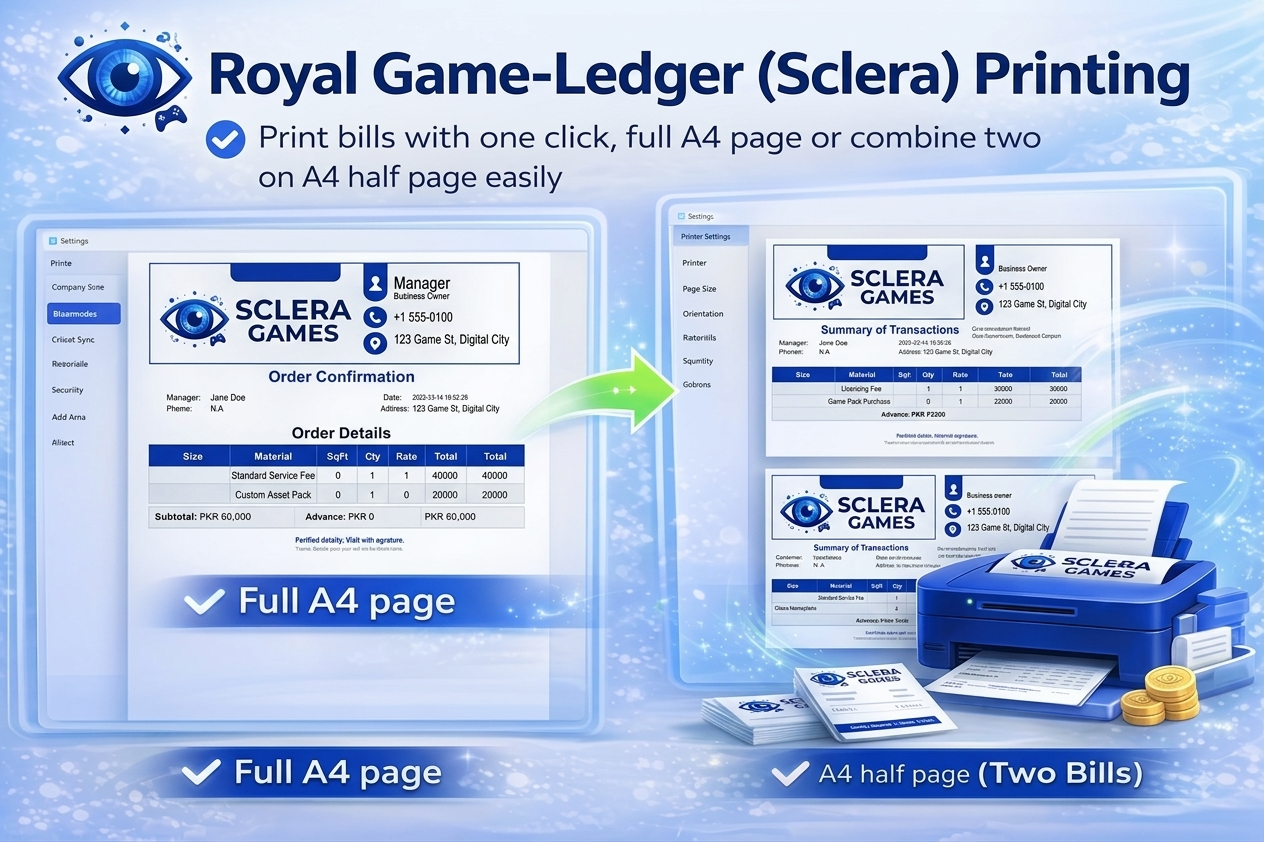
Direct Print Support for Orders & Reports
Print order details in a beautiful and customized formated design with one click, directly from SOMS. No need for exports or third-party tools – just click and print.
- Print order details with one click
- Beautiful and customized formatting
- Export to PDF or JPG
- Share to whatsapp directly
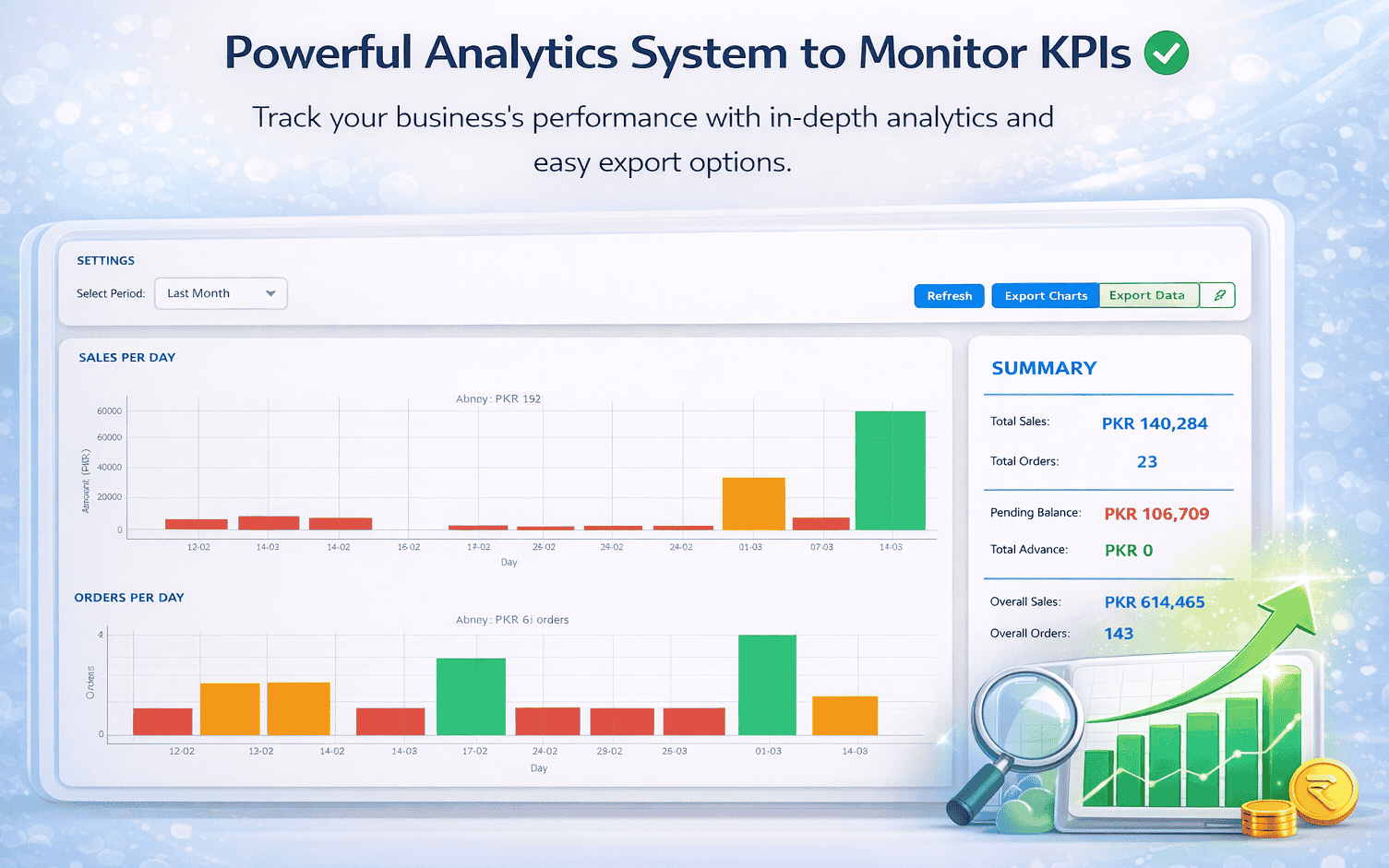
Powerful Analytics to Monitor KPIs
Monitor your business performance with detailed analytics and flexible export options. Select a time period (e.g., Last Month or custom range) to view key insights such as total orders, earnings, remaining balances, and total advances. Analyze performance for the selected duration and easily save charts or export the complete dataset with a single click.
Orders per day / summary charts
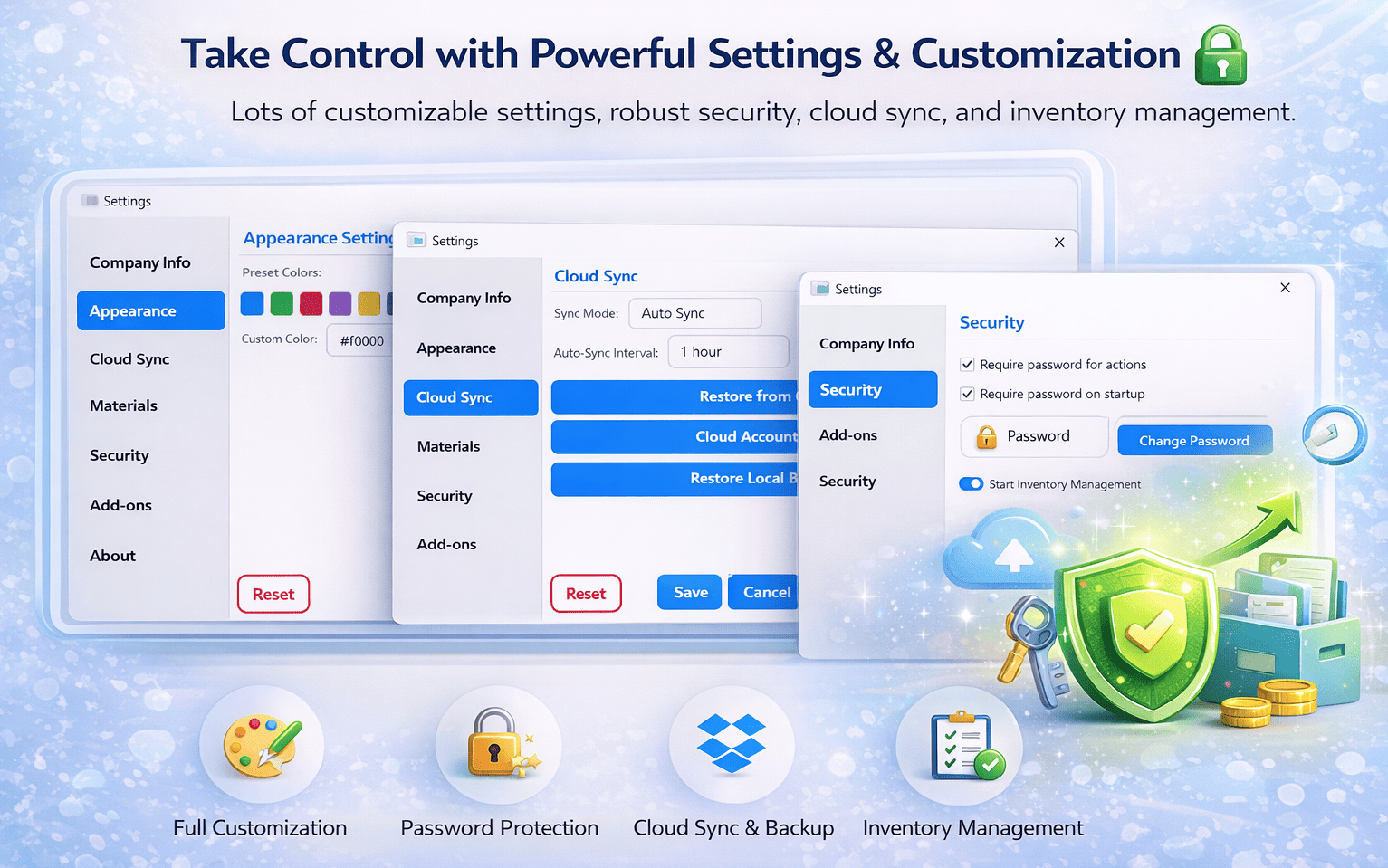
Take Control with Powerful Settings
Lots of customizable settings, robust security, cloud sync, and inventory management. Configure company info, appearance (preset/custom color), cloud sync interval, password protection, and more.
- Company Info, Themes
- Cloud Sync: Auto Sync with auto interval
- Security: password for actions/startup
- Materials, Add-ons, Inventory Management
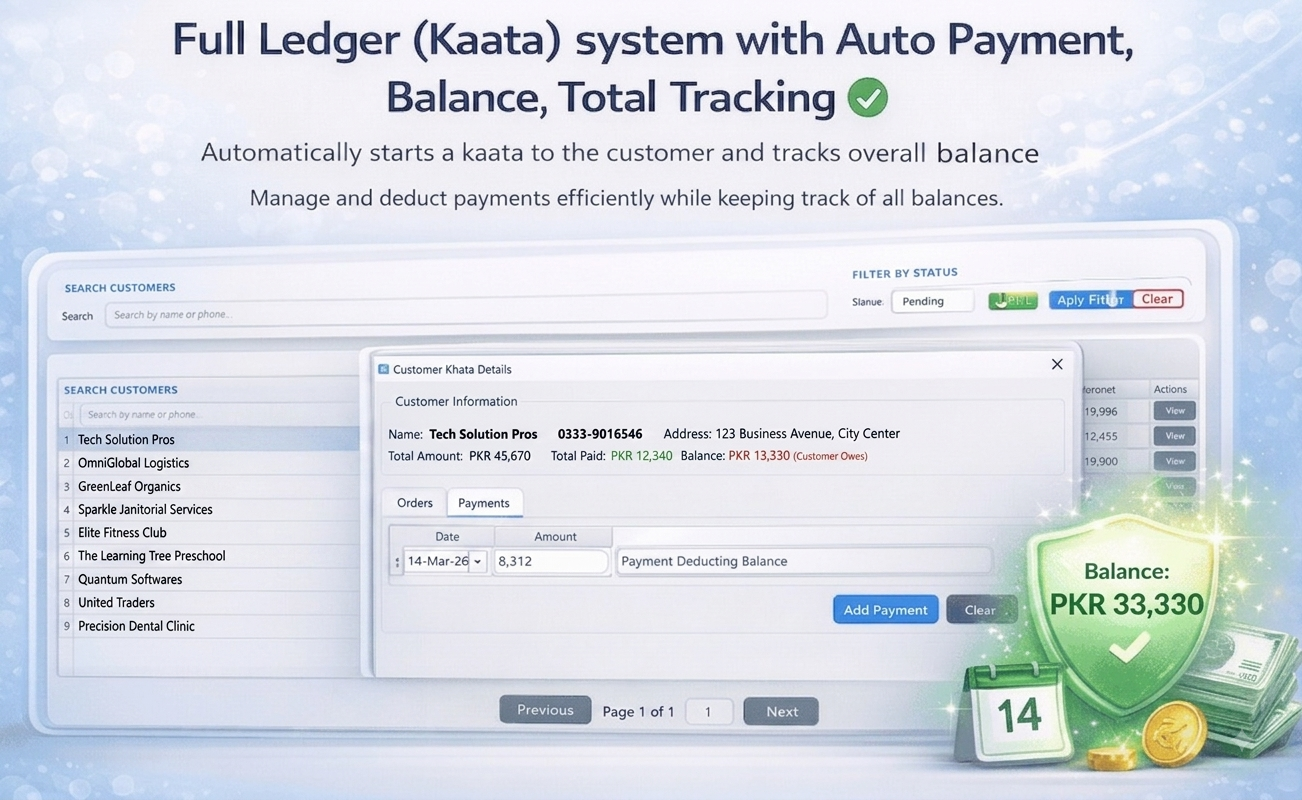
Inventory Management & Material Tracking
Easily track and manage your business stock with real-time updates so you always know what’s available and what needs restocking, set simple reorder alerts to avoid running out of materials and keep your operations running smoothly, and use easy action buttons to quickly add, update, or reduce stock, making inventory management fast and hassle-free.
- Low stock alerts & usage reports
- Note: This feature is currently under development and not yet finalized.